

Shopify Speed Optimization: Unlock More Conversions & Revenue
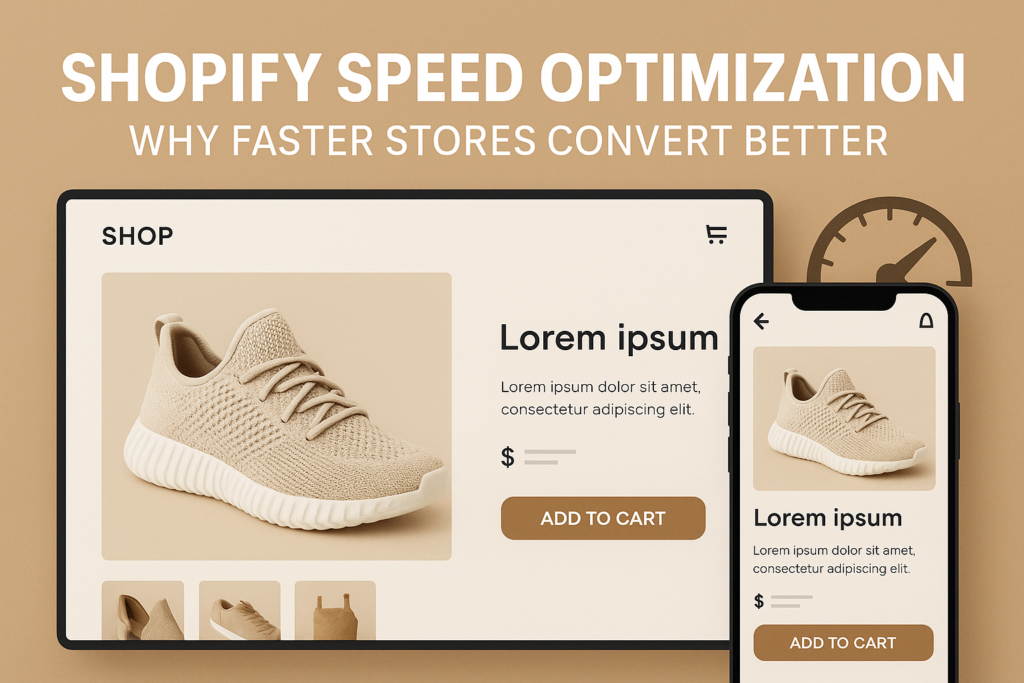
If your Shopify store loads even a second too slow, your paid traffic and new customer conversions are bleeding value. For today’s ecommerce brands, speed isn’t just a technical metric—it’s a revenue accelerant. Shopify speed optimization is quickly becoming one of the most powerful levers for growth-minded brands, directly impacting browsing experience, buyer trust, and the efficiency of every marketing dollar. Slow sites quietly erode brand equity, waste paid ad spend, and leave significant revenue on the table.
The Real Cost of Slow Shopify Stores
Many Shopify brands underestimate the business impact of even modest delays in ecommerce site speed. Customers today have no patience for sluggish load times or clunky page transitions—especially on mobile, where attention spans are shortest and most ecommerce sessions now begin. Data consistently shows that each additional second of load time increases bounce rates and cart abandonment, while reducing conversion rates and diminishing the impact of every paid click.
Consider how this breakdown happens across your funnel:
- Organic Search: Google penalizes slow sites, meaning fewer impressions and less qualified traffic for slow stores.
- Paid Traffic: Quickly loading pages ensure that paid visitors land on your offers instead of bouncing to a competitor. If your store is slow, you’re effectively paying for ad traffic that never even sees your product.
- Customer Trust: Fast-loading sites reinforce credibility and professionalism, driving higher engagement and repeat purchase rates. A laggy or unresponsive storefront undermines buyer confidence at every step of the journey.
The true cost of poor Shopify performance optimization compounds over time—lost revenue, wasted acquisition spend, and slower customer acquisition cycles. Prioritizing ecommerce site speed is not just about technology; it’s about capturing more value from all your channels.
The Key Factors in Shopify Speed Optimization
Effective shopify speed optimization begins with a strategic audit—not guesswork or isolated fixes. The biggest wins often come from pinpointing overlooked technical and UX bottlenecks. Here’s where to focus:
- Theme Bloat: Overly complex Shopify themes, unoptimized liquid templates, and unused sections can drag down performance. Strip your theme to essentials and only use what supports conversion.
- App Overload: Each extra app introduces scripts, stylesheets, and third-party requests. Audit regularly and remove any apps that don’t drive attributable value.
- Image Optimization: Compress and deliver responsive images, use next-gen formats (like WebP), and ensure galleries and banners are properly scaled for both desktop and mobile.
- Third-Party Scripts and Tags: Marketing pixels, chat plugins, and tracking scripts add up fast. Every millisecond matters; load what you need, defer what you don’t, and audit these tags quarterly.
- Checkout and Landing Pages: Checkout flow speed directly affects conversion. Landing page performance determines ad quality scores and ROAS. Never deprioritize these critical journeys.
Rapid Audit Framework: Where to Start
A systematic speed audit should identify not just technical debt, but real conversion blockers. Use this four-part decision lens:
- 1. Core Web Vitals: Measure Largest Contentful Paint (LCP), First Input Delay (FID), and Cumulative Layout Shift (CLS) on both desktop and mobile.
- 2. Real-World Buyer Flows: Test your highest-converting pages with real devices and connections. Cross-check analytics for bounce and abandonment patterns tied to slow loads.
- 3. Third-Party Interaction: Inventory every third-party script, app, and tag. Remove or delay those not essential for immediate conversion influence.
- 4. Theme and Storefront Code: Refactor unused code, optimize asset delivery, and ensure all elements are asynchronous where possible.
Document your findings, prioritize by revenue impact, and build your optimization roadmap from the top conversion barriers down. For comprehensive support, explore our website development services for deeper technical and strategic execution.
Shopify Speed & Conversion: More Than a Quick Fix
Speed gains should always be considered through the lens of shopify conversion optimization. Too often, brands focus on superficial load time stats without connecting performance wins to real business outcomes. The most successful DTC leaders overlay their speed efforts with conversion rate optimization—balancing technical improvements, UX best practices, and revenue priorities.
This means:
- Tracking before-and-after conversion rates alongside page speed metrics
- Prioritizing high-impact journeys (PLP, PDP, checkout) for granular audit and improvement
- Auditing mobile-first, as mobile drives the majority of ecommerce sessions
- Building a cadence of quarterly speed and UX reviews to stay ahead of silent performance regressions
Pro-level speed optimization isn’t set-and-forget. It’s a strategic CRO tool for amplifying every campaign and building robust, scalable growth infrastructure.
Building a Revenue-Ready Shopify Site: Next Steps
The path to true ecommerce growth is clear: treat speed as a first-order business goal, not an afterthought. For mid-market and enterprise brands, even fractional improvements in speed ripple across the entire funnel, increasing conversion, maximizing budget efficiency, and deepening buyer trust at every stage. The only way to know where you stand—and what’s holding you back—is a focused technical and UX audit built for ecommerce sales, not just speed scores.
For brands seeking meaningful performance gains and actionable next steps, a custom audit is the most reliable path to progress. Our free audit benchmarks your store’s real buyer experience and delivers clear, prioritized recommendations for unlocking conversion and growth.
Final Thoughts
Speed optimization is a competitive advantage that compounds daily. The highest performing Shopify brands actively monitor, test, and refine both speed and UX as part of ongoing site strategy—not one-off fixes. Protect every marketing dollar, reinforce buyer trust, and capture more conversions by making speed a cornerstone of your growth playbook.
Ready to see exactly where your Shopify store can earn more revenue through speed and conversion gains? Request a Free Speed & Conversion Audit from D2C Design and get a practical, founder-friendly roadmap tailored to your unique challenges.
Common Questions
Why does Shopify speed optimization matter more for high-growth DTC brands?
High-growth DTC brands depend on scalable acquisition strategies—often investing heavily in paid traffic and campaigns. Every wasted second not only increases bounce rates but also reduces the effectiveness and ROI of paid spend. Fast, optimized Shopify stores ensure every dollar invested in growth channels delivers the highest possible payoff.
What are the most common speed issues on Shopify stores after launch?
Post-launch, brands typically deal with theme bloat from customizations, excess or outdated apps, oversized images, and incremental third-party scripts. As new features get layered on, many stores accumulate technical debt that silently reduces site speed and conversion.
How can I audit my Shopify site’s speed for conversion impact, not just technical scores?
Pair technical audits (Core Web Vitals, script analysis, mobile testing) with conversion data. Identify where slowdowns correlate with high bounce or drop-off rates in real buyer flows. Focus your efforts on pages and bottlenecks that hit sales and checkout journeys.
Will optimizing my Shopify speed affect my existing apps or tracking tags?
Potentially, since speed improvements sometimes require removing or deferring non-essential scripts and apps. It’s essential to audit which tags and integrations are truly critical for your business, balancing speed gains with required marketing and analytics functions.